Sync your AI coding tools
Configure Once
Code Anywhere
The simplest way to sync your AI coding tool configs across devices.

Works with your favorite AI tools
+ more tools coming soon
One config. Command all tools.
AgentStash gives all your AI tool configurations a unified home. Just install it on each machine, point it to your cloud folder (iCloud, Dropbox, or any folder you like), and you're done.
One-Click Sync, Symlinks Auto-Rebuild
Push to the cloud, pull on another device. New machine? Directory structure and symlinks rebuild automatically—ready to code.
Unified Hub
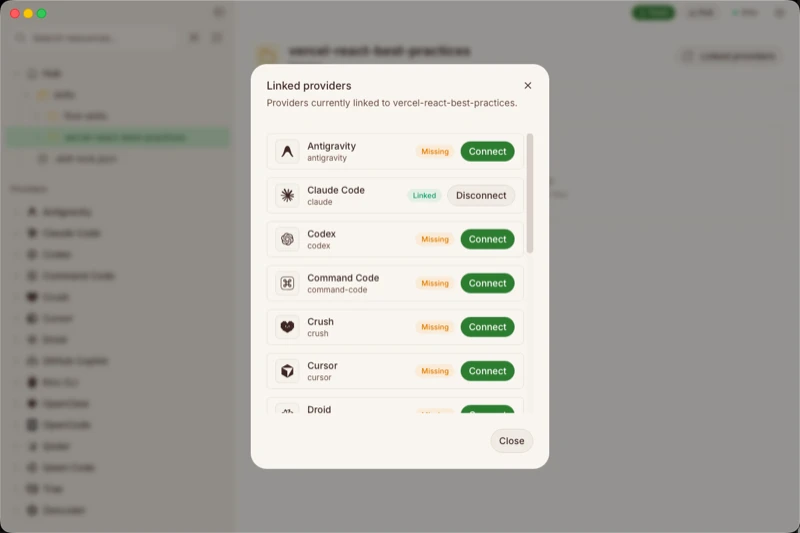
Your `.agents/` directory becomes the single source of truth. Skills, Rules, Commands—all in one place, synced across every device. Install from the community or add your own. This is your command center, connected to every AI tool you use.
Version Control
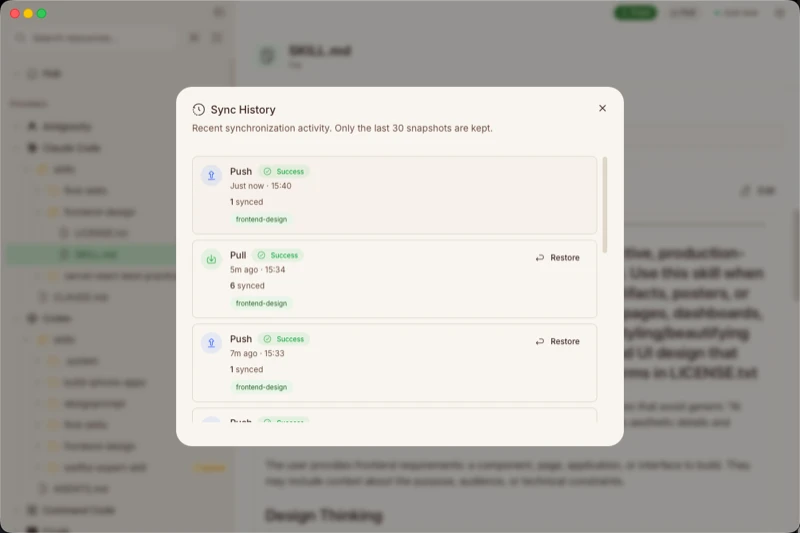
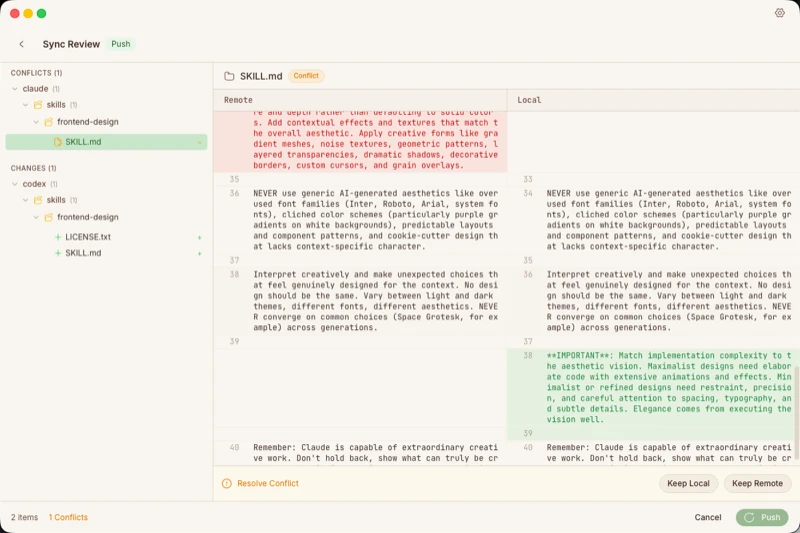
Every sync auto-generates a snapshot. Visual diff when configs conflict. Roll back to any previous state with one click, anytime.
You Control What Syncs
Pre-configured for what matters—Skills, Rules, and Commands are ready by default. Need more control? Toggle resources on or off, or add your own with one click.
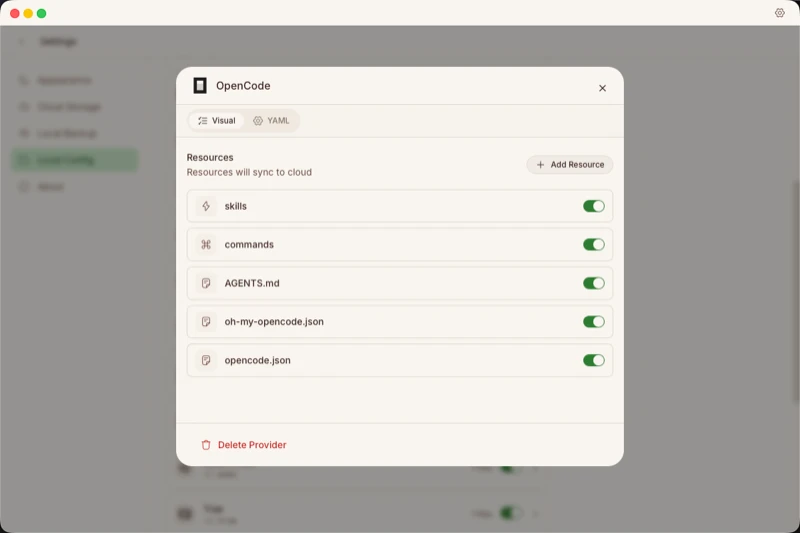
Get Started in 3 Steps
From download to sync in under 2 minutes.
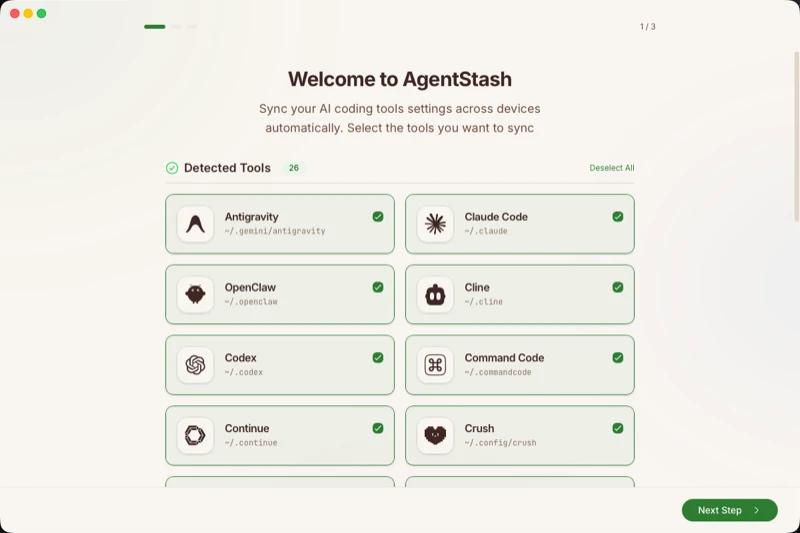
Auto-Detect Your Tools
AgentStash scans for 30+ AI coding tools and shows exactly what it found. No manual configuration needed.
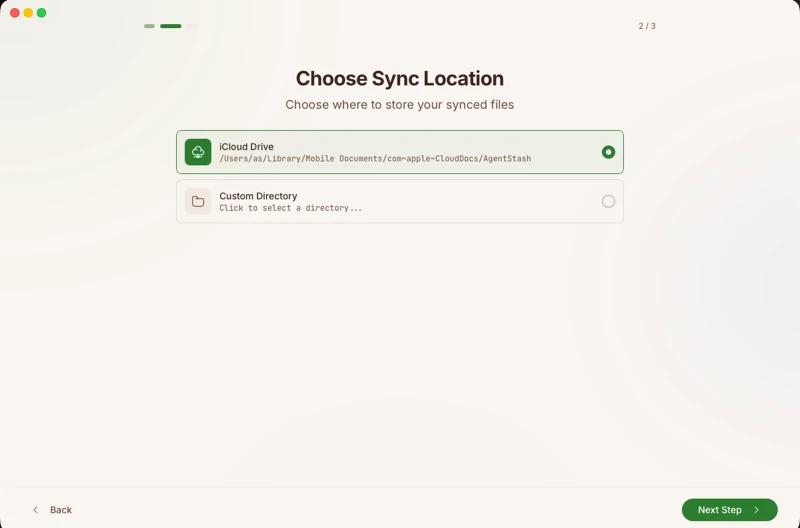
Choose Your Sync Folder
Point to iCloud, Dropbox, or any folder. Every change is snapshotted before sync—rollback anytime with one click.
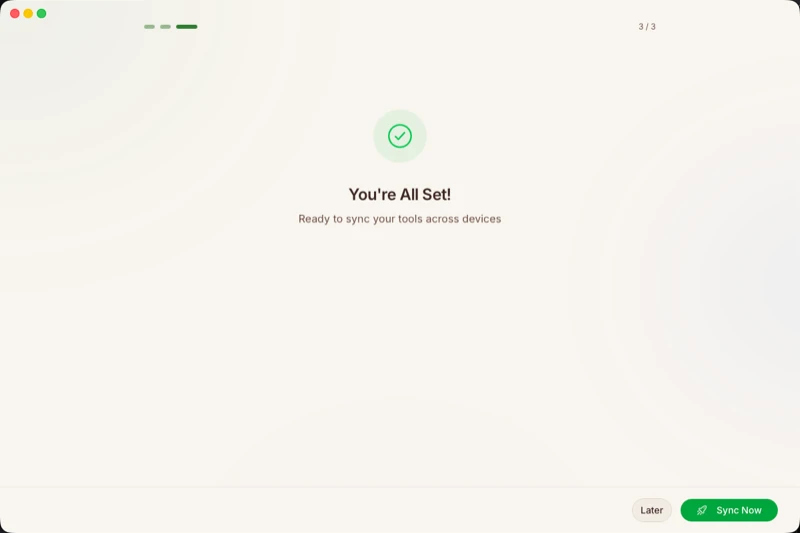
You're All Set
Click "Sync Now" to push your configs to the cloud. Install AgentStash on other devices and pull them down with one click.
Common Questions
AgentStash is a sync manager for AI coding tools. It keeps your Rules, Skills, Prompts, and Commands unified across all your devices using your own cloud storage.
Cursor, Claude Code, Windsurf, Cline, OpenCode, Roo Code, and 30+ more. AgentStash auto-detects installed tools and their config locations.
Rules, Skills, Prompts, Commands, and MCP configs. You control what syncs — toggle resources on or off, or add your own custom files.
Point AgentStash to your iCloud, Dropbox, or any folder. It manages your configs there, and your cloud provider handles the actual syncing.
Yes. Free to download and use. We don't host your data, so there are no server costs to pass on.
Completely. AgentStash is local-first — no servers, no analytics, no telemetry. Your configs never leave your devices and your chosen cloud storage. Plus, every sync snapshots first — one-click rollback if needed.
Yes. Add any custom directories or files you want. AgentStash syncs whatever you configure — not just the defaults.
Not yet. macOS only for now. Windows and Linux support is planned.
End Config Chaos
Start Here
2 minutes to set up. Forever in sync.
Download & Install
Requires macOS 15.0+. Download the .dmg and drag to Applications.
First Launch
macOS may block the first launch. Run this to allow it:
$ xattr -cr /Applications/AgentStash.app... · Apple Silicon & Intel